
AI Photo Enhancer for Product Images: Best Tools 2026
2026-04-20 · 12 min read · Enhancer Team
Poor product photos lose sales. A blurry, dark, or pixelated image makes shoppers scroll past your listing without a second thought. You don't need a professional photographer to fix this. An AI Photo Enhancer can transform low-quality product shots into sharp, studio-grade images in seconds.
This matters because product images drive buying decisions on Shopify, Amazon, and Etsy. Most sellers use phone cameras and struggle with lighting, resolution, or background issues. The right AI tool solves all three at once.
In this guide, you'll learn how AI photo enhancers work, which tools perform best for product images, and how to pick the right one for your store.
What Is an AI Photo Enhancer?
An AI Photo Enhancer is a software tool that uses artificial intelligence to improve image quality automatically. It analyzes your photo, detects flaws, and fixes them without manual editing.
These tools rely on machine learning models trained on millions of images. They know what a sharp, well-lit product photo should look like. Then they apply those patterns to your image.
What AI Photo Enhancers Can Do
Most AI enhancers handle several tasks in one click:
- Upscale resolution to make small images larger without blur
- Sharpen details on product edges, textures, and logos
- Reduce noise caused by low light or phone cameras
- Fix lighting by brightening shadows and balancing exposure
- Correct colors so your product looks true to life
- Remove backgrounds and replace them with clean white or custom scenes
How AI Enhancement Differs From Traditional Editing
Traditional editing requires skill, time, and software such as Photoshop. You adjust sliders, mask layers, and retouch by hand.
AI enhancement skips all of that. You upload the image, and the tool does the work in seconds. This matters most when you have dozens of products to list.
Why Product Photo Quality Matters for E-commerce
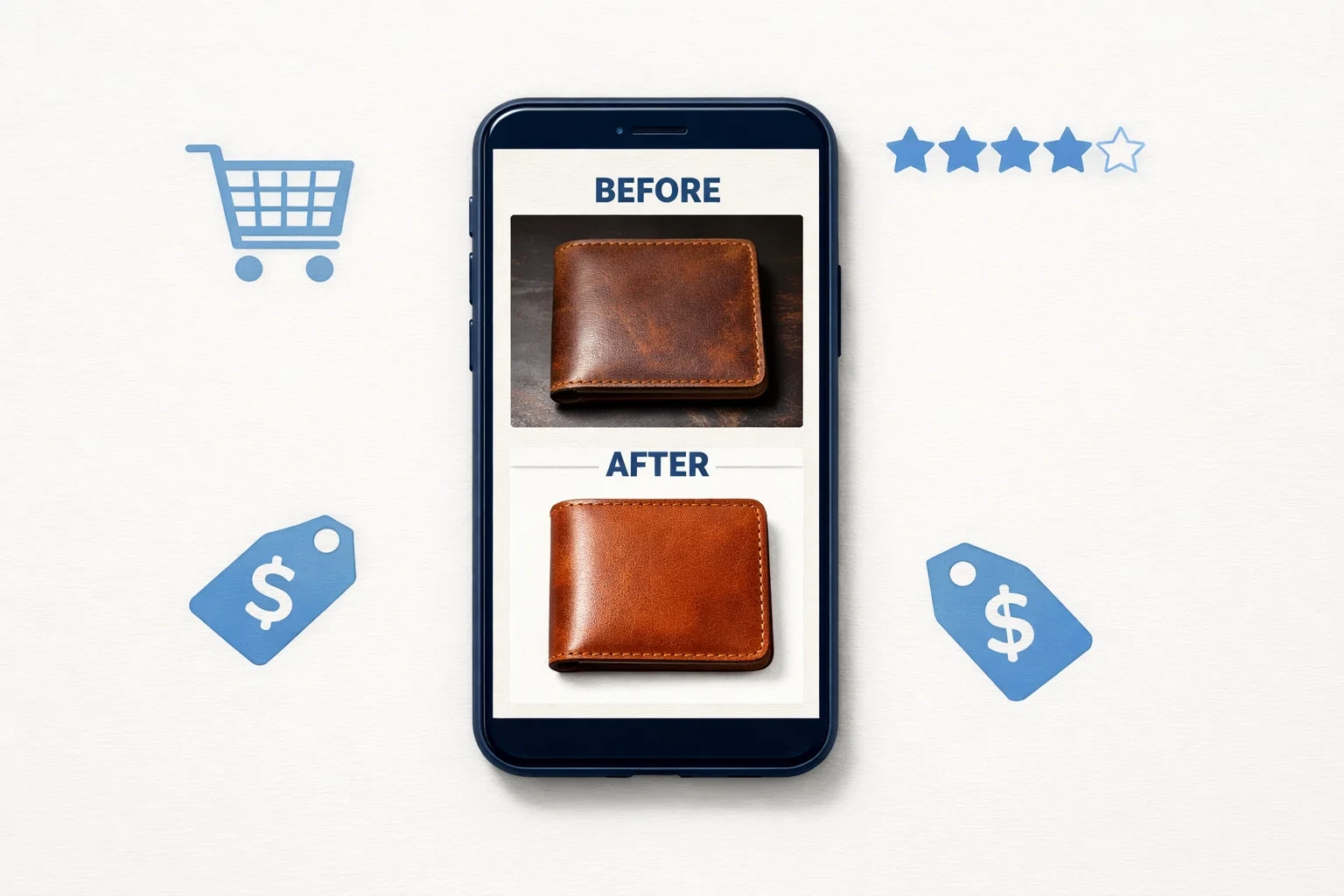
Product images are the first thing shoppers notice. Online buyers cannot touch or inspect items, so they rely on photos to judge quality.
Studies show that high-quality images boost conversion rates by up to 30%. Listings with sharp, well-lit photos rank better on Amazon and Shopify search results, too.
Common Product Photo Problems
Most small sellers face the same issues:
- Blurry shots from handheld phone cameras
- Dark or uneven lighting in home setups
- Cluttered backgrounds that distract from the product
- Low-resolution images that pixelate when zoomed
- Inconsistent colors across a product catalog
An AI Photo Enhancer fixes these problems without a studio or a photographer.
Top AI Photo Enhancers for Product Images in 2026
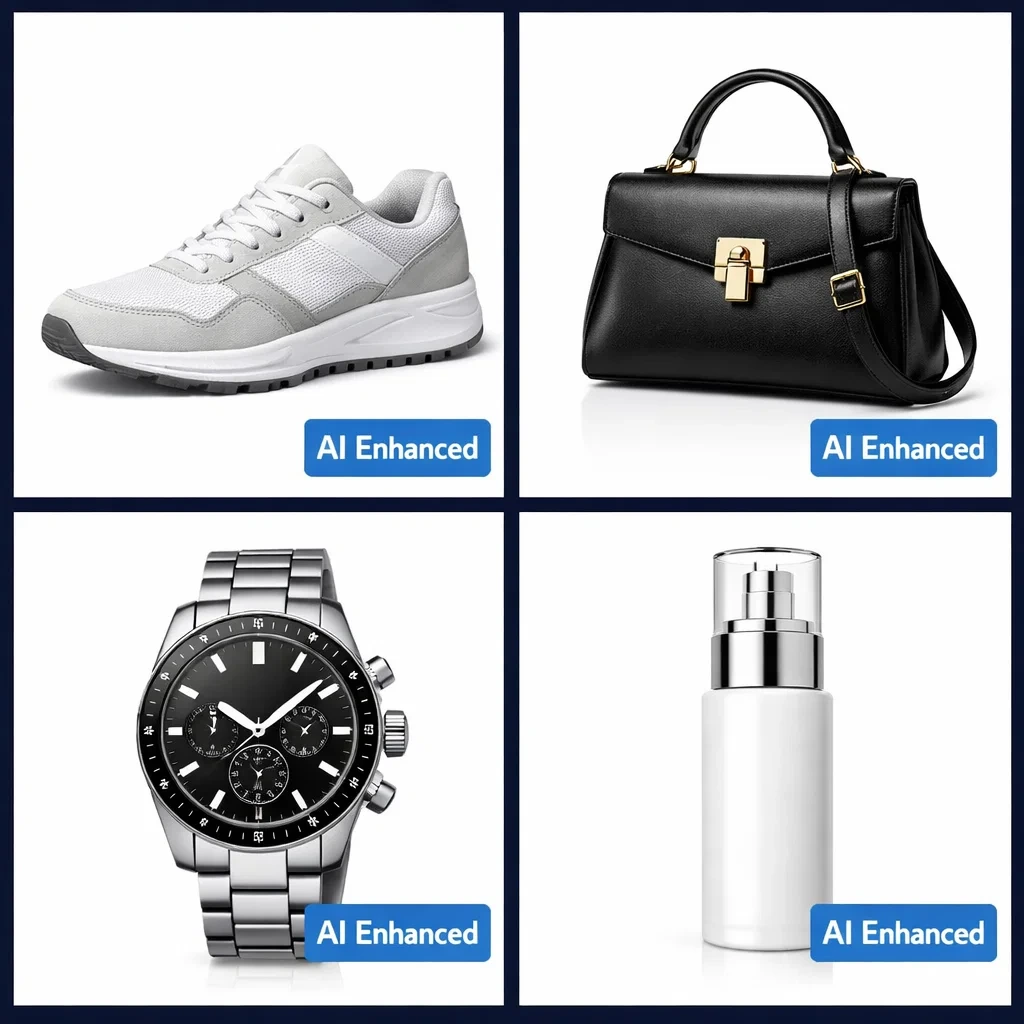
Not every AI tool works well for e-commerce. Some focus on portraits or landscapes. The tools below are built for product photography and handle it exceptionally well.
1. Topaz Photo AI
Topaz Photo AI is the gold standard for image upscaling and sharpening. It works as desktop software, so your images never leave your computer.
Best for: Sellers who need maximum detail and print-quality resolution.
- Upscales images up to 6x without losing quality
- Removes noise from low-light product shots
- Handles batch processing for large catalogs
- One-time purchase instead of a monthly subscription
The downside is the price. Topaz costs more upfront than cloud tools.
2. Pixelcut
Pixelcut is built specifically for e-commerce sellers. It combines background removal, enhancement, and AI-generated scenes in one app.
Best for: Shopify, Etsy, and Amazon sellers who want fast, mobile-friendly editing.
- Removes backgrounds in one tap
- Places products in AI-generated lifestyle scenes
- Works on phone and desktop
- Offers a free plan with basic features
Pixelcut is ideal if you list products from your phone.
3. PhotoRoom
PhotoRoom is a popular choice for dropshippers and small store owners. It specializes in product photography and batch editing.
Best for: High-volume sellers who need consistent product shots.
- Instant background removal and replacement
- Batch editing for hundreds of images
- Templates built for marketplaces like Amazon
- Shopify integration for direct uploads
4. Claid.ai
Claid.ai focuses on automated product image enhancement for e-commerce stores. It uses AI to standardize photos across a catalog.
Best for: Mid-sized stores with large product catalogs.
- Auto-crops and centers products
- Adjusts lighting and shadows consistently
- API access for developers and platforms
- Enhances image quality for marketplace standards
5. VanceAI
VanceAI offers a full suite of online photo tools. It handles upscaling, sharpening, and background removal through a browser.
Best for: Beginners who want an all-in-one web tool.
- No software installation needed
- Affordable monthly plans
- Multiple enhancement modes in one dashboard
- Supports JPG, PNG, and WebP formats
6. Let's Enhance
Let's Enhance is a simple, browser-based upscaler. It focuses on making small images large and sharp.
Best for: Sellers with low-resolution photos from old catalogs or supplier images.
- Upscales up to 16x
- Cleans up compression artifacts
- Batch processing available
- Pay-as-you-go credits
7. Adobe Firefly and Canva AI
Both Adobe Firefly and Canva include AI photo enhancement features. They work well for sellers already using these platforms.
Best for: Users who want enhancement plus full design tools in one place.
- AI-powered upscaling and background removal
- Combines editing with marketing graphics
- Cloud-based and accessible anywhere
How to Choose the Right AI Photo Enhancer
The best tool depends on your store size, budget, and workflow. Use these factors to narrow your choice.
Consider Your Volume
If you list under 50 products, free tools like Pixelcut or Canva work fine. For hundreds of products, pick a batch-friendly tool like PhotoRoom or Claid.ai.
Match the Tool to Your Platform
- Shopify sellers: PhotoRoom and Claid.ai offer direct integrations
- Amazon sellers: Tools with white-background presets save time
- Etsy sellers: Pixelcut's lifestyle scenes help handmade products stand out
- WooCommerce sellers: Any cloud tool with bulk export works well
Check Output Resolution
Amazon requires images at least 1000 x 1000 pixels. Shopify recommends 2048 x 2048 for zoom features. Make sure your AI enhancer supports these sizes.
Free vs Paid AI Photo Enhancers
Free tools are great for testing. They often limit the image count, resolution, or watermarking.
Paid plans unlock batch processing, higher resolution, and priority speed. For a serious store, a paid tool pays for itself quickly.
How to Enhance Product Photos With AI: Step-by-Step
Using an AI Photo Enhancer is simple. Most tools follow the same basic workflow.
- Upload your product image in JPG or PNG format
- Select the enhancement type, such as upscale, sharpen, or background removal
- Preview the result before applying changes
- Adjust settings if the tool offers manual controls
- Download the final image in your required size and format
- Upload to your store or marketplace listing
Most enhancements take under 30 seconds per image. Batch processing handles hundreds at once.
Tips for Better Results
- Start with the highest-quality original you have
- Avoid enhancing images that are already heavily compressed
- Use natural lighting when shooting, even for AI-enhanced photos
- Keep the product centered and in focus during the shoot
- Review AI output carefully for unnatural textures or distortions
Common Mistakes to Avoid
AI tools are powerful but not perfect. Watch out for these issues.
Over-enhancement makes products look fake or plastic. Pull back the intensity if the edges look unnatural.
Wrong background removal can cut off parts of your product. Always check edges on items with fur, hair, or transparent sections.
Ignoring marketplace rules can get listings removed. Amazon requires pure white backgrounds for main images, not AI-generated scenes.
Skipping the original shot quality sets you up for poor results. AI enhances, but it cannot invent details that were never captured.
AI Photo Enhancer vs Professional Photographer: Which Is Better?
Both options have real strengths. The right choice depends on your budget, timeline, and product type.
When an AI Photo Enhancer Wins
AI tools are faster and cheaper. They work around the clock and scale with your catalog.
- Cost: Most plans run $10 to $30 per month
- Speed: Thousands of images enhanced in an hour
- Flexibility: Re-edit anytime without reshoots
- Learning curve: Minimal, most tools are beginner-friendly
AI wins for dropshippers, Etsy sellers, and anyone testing new products.
When a Photographer Wins
Some products need a human eye. Jewelry, fashion, and luxury items often require creative direction.
- Custom styling: Unique angles, props, and moods
- Complex lighting: Reflective or transparent items
- Brand storytelling: Lifestyle shots with models
- One-of-a-kind products: High-end or artisan goods
A photographer makes sense when image quality directly defines your brand.
The Smart Middle Ground
Many successful sellers combine both. They hire a photographer for hero shots and use AI for everything else.
This hybrid approach keeps costs low and quality high.
AI Photo Enhancers and Marketplace Rules
Before you enhance, check platform policies. Some marketplaces limit how much you can edit product images.
Amazon
Amazon allows enhancement but requires accurate product representation. Main images must have a pure white background with no props or text. Lifestyle shots are allowed in secondary slots.
Shopify
Shopify gives you full control. You can use AI-enhanced or AI-generated backgrounds freely on your own store.
Etsy
Etsy encourages authentic photos but allows enhancement. Avoid AI-generated scenes that misrepresent handmade items.
eBay and Walmart
Both require truthful images. AI enhancement is fine, but do not alter product color, size, or features.
Rule of thumb: Enhance for clarity, not deception. Never change what the product actually looks like.
How AI Photo Enhancers Boost E-commerce Sales
Better photos do more than look nice. They directly affect revenue.
Higher Conversion Rates
Sharp, well-lit images build trust. Shoppers who can see details clearly are more likely to buy.
Improved Search Rankings
Amazon and Google both factor image quality into search rankings. Clear, high-resolution images help listings appear higher in results.
Lower Return Rates
Accurate product photos set realistic expectations. Buyers know what they are getting, so fewer items come back.
Stronger Brand Image
Consistent, polished photos make a store look professional. This matters for repeat customers and referrals.
Frequently Asked Questions
What is the best AI photo enhancer for product images?
The best AI photo enhancer depends on your needs, but Pixelcut and PhotoRoom lead for e-commerce. Pixelcut works well for mobile sellers and lifestyle scenes. PhotoRoom excels at batch editing and marketplace templates. For maximum detail, Topaz Photo AI is the top desktop choice.
Can AI photo enhancers fix blurry product photos?
Yes, AI photo enhancers can fix blurry product photos in most cases. Tools like Topaz Photo AI and VanceAI use machine learning to sharpen edges and restore detail. However, severely blurred images may still look unnatural after enhancement. Always start with the clearest original you have for the best results.
How do I enhance product photos for Amazon listings?
To enhance product photos for Amazon, use an AI tool that supports white background removal and high-resolution output. Upload your image, apply enhancement, and export at 1000 x 1000 pixels or higher. Tools like PhotoRoom and Claid.ai offer Amazon-ready presets. Always check that your final image meets Amazon's main image requirements.
Are AI-enhanced product photos allowed on Amazon and Etsy?
Yes, AI-enhanced product photos are allowed on Amazon and Etsy, with conditions. Both platforms require accurate product representation. You can sharpen, brighten, or remove backgrounds, but you cannot change the product's color, shape, or features. AI-generated lifestyle scenes are acceptable on Etsy and Amazon secondary images but not on Amazon main images.
What happens if I over-enhance a product photo?
Over-enhancing a product photo makes it look fake or plastic-like. Edges become too sharp, textures look unnatural, and colors may appear oversaturated. This reduces buyer trust and can increase return rates. Always preview results and reduce enhancement intensity if the image loses its realistic feel.
Is there a free AI photo enhancer for small businesses?
Yes, several free AI photo enhancers work well for small businesses. Pixelcut, Canva, and Fotor offer free plans with basic enhancement features. Let's Enhance provides free credits each month. These tools are ideal for low-volume sellers. For bulk editing or higher resolution, a paid plan usually becomes necessary.
How long does it take to enhance a product photo with AI?
Enhancing a single product photo with AI takes about 10 to 30 seconds. Batch processing hundreds of images usually takes a few minutes on cloud-based tools. Desktop software like Topaz may take longer for high-resolution outputs. Speed depends on your internet connection, file size, and the enhancement type selected.
Will AI photo enhancers replace professional photographers?
AI photo enhancers will not fully replace professional photographers, but they will reduce the need for one. AI handles routine product shots, background cleanup, and resolution fixes well. Photographers remain essential for brand campaigns, complex products, and lifestyle storytelling. Most e-commerce brands now use a hybrid approach combining both.
Conclusion
In conclusion, an AI Photo Enhancer is the fastest way to turn average product photos into high-converting images. These tools save time, cut costs, and produce professional results without a studio. From Pixelcut and PhotoRoom for e-commerce sellers to Topaz Photo AI for maximum detail, there is a fit for every store size and budget.
The right tool depends on your platform, product volume, and workflow. Start with a free plan, test your results, and upgrade as your catalog grows. Always follow marketplace rules and keep enhancements realistic.
Better product photos mean more clicks, more trust, and more sales. Pick an AI photo enhancer that matches your needs, enhance your product images today, and watch your store's performance improve.